
 简体中文
简体中文  한국어
한국어  Português
  Español
Trade Ideas Integration
AI-powered scanning built directly into cPro surfaces top tickers, optimal entry points, and unusual volume in real time
cPro is built to give active traders an edge. Lightning fast execution, pro-grade tools, and seamless control over every trade.
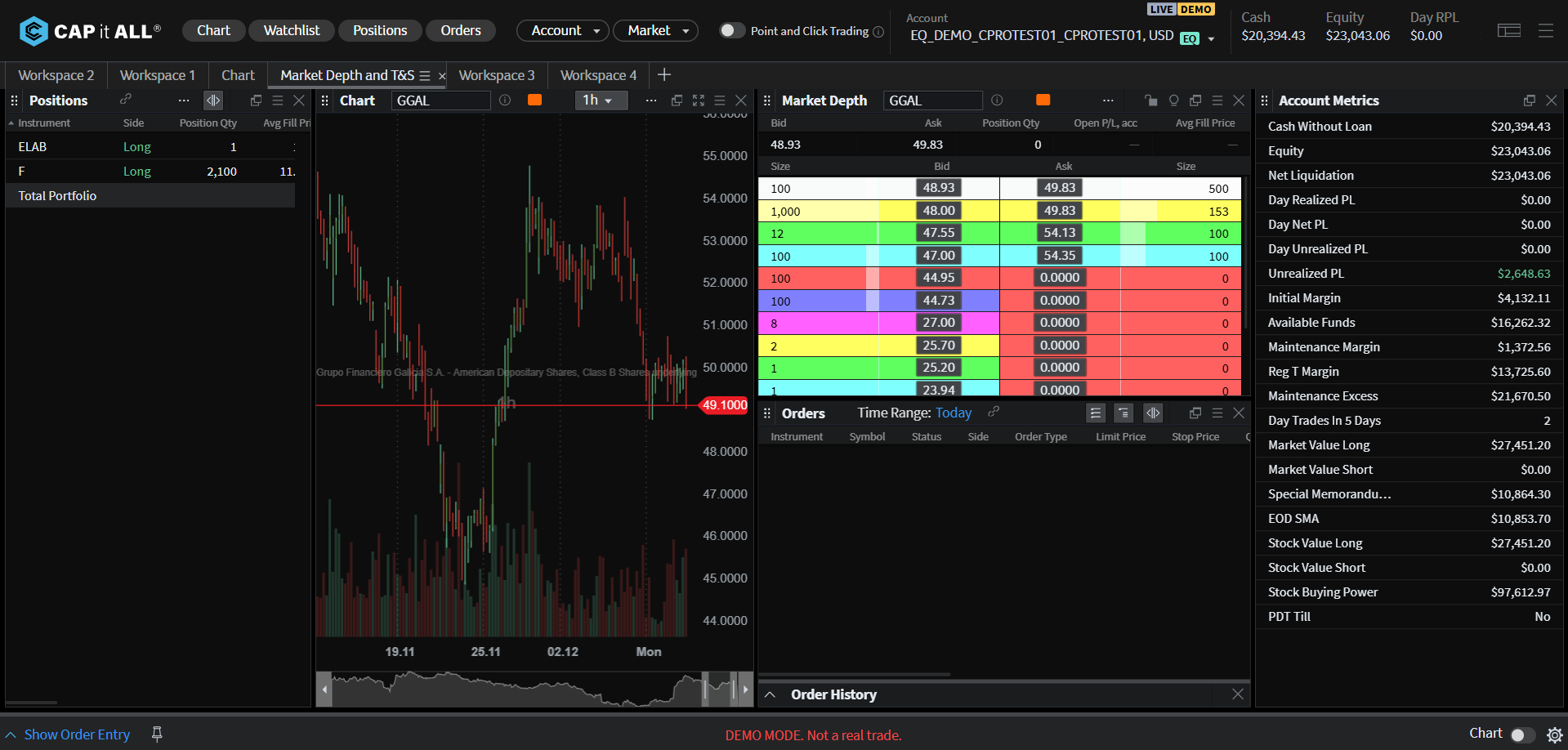
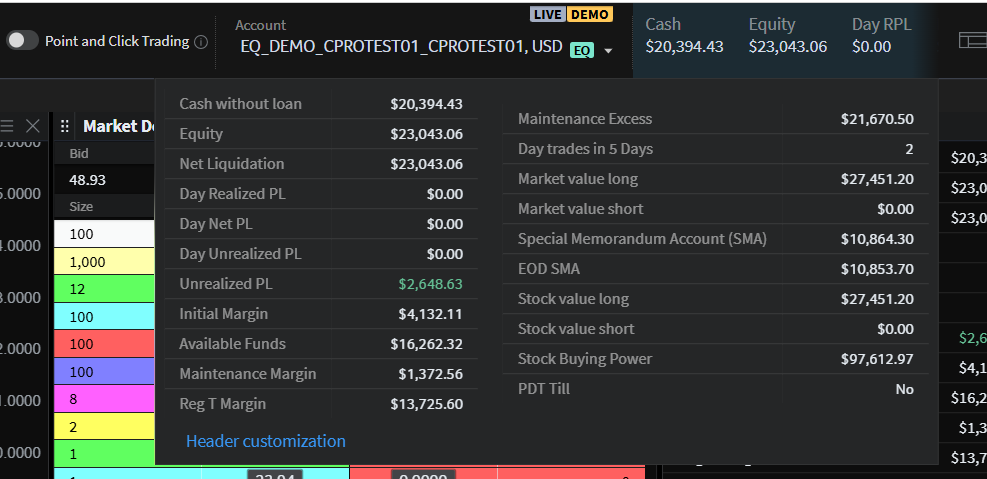
Smart routing technology, sub-millisecond latency, and multi-route access deliver precision timing for every trade.
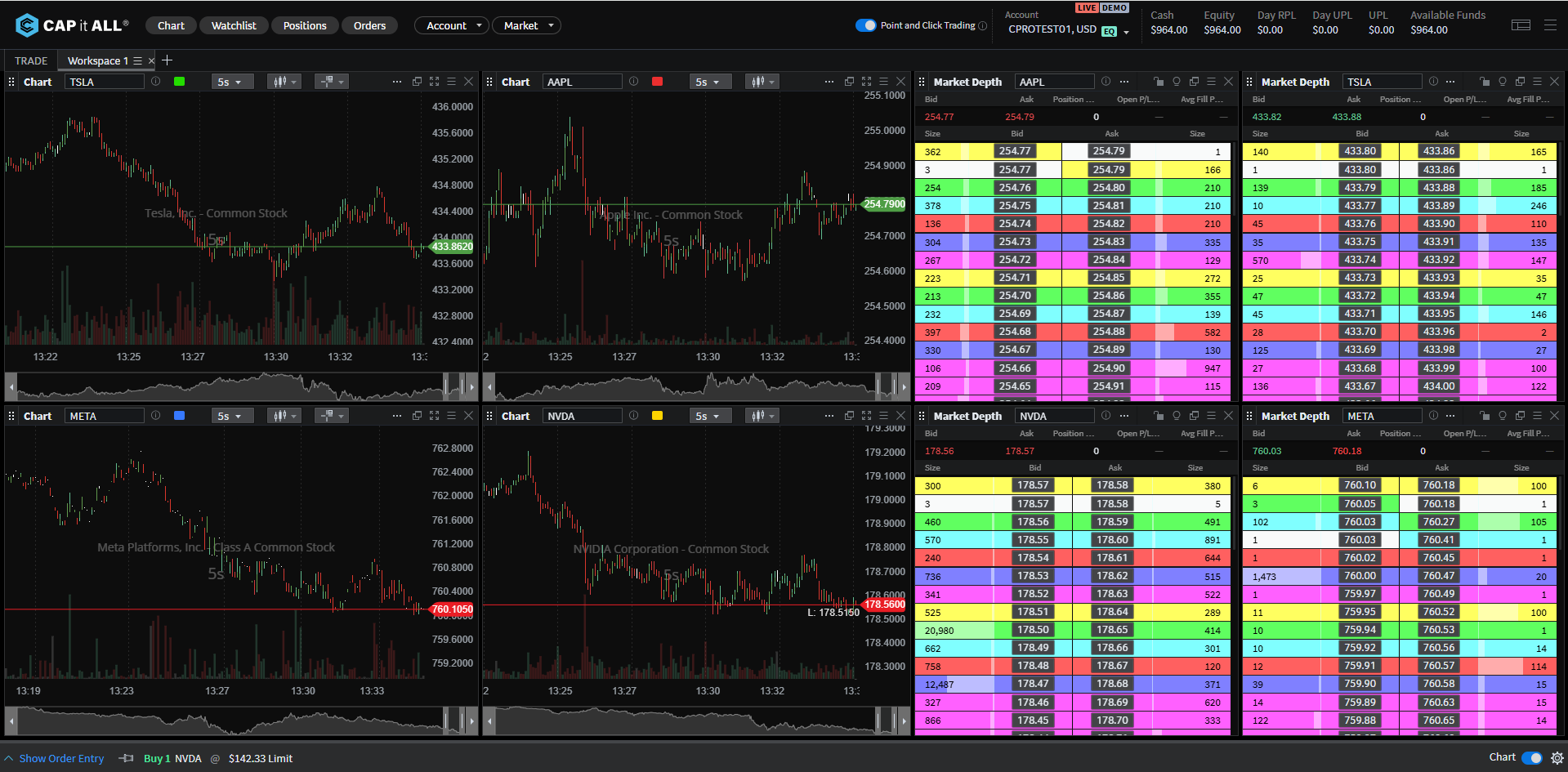
Custom workspace layouts to suit your specific trading style
Read live market conditions and execute orders with current pricing
Smarter Trading Starts Here
AI-powered scanning built directly into cPro surfaces top tickers, optimal entry points, and unusual volume in real time
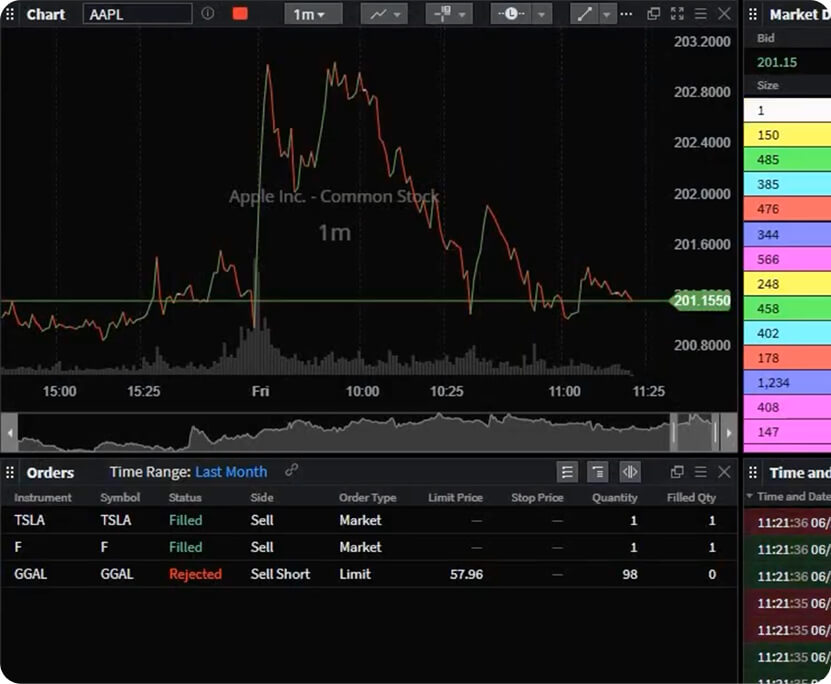
Analyze markets with multi-timeframe views, drawing tools, technical indicators, overlays, and customizable color themes.

Build custom scanner rules or apply pre-set filters to spot high-momentum trading
opportunities instantly.
cPro delivers the power, precision, and flexibility professional traders demand
cPro provides order-routing technology. Execution and routing decisions are determined by the user’s broker-dealer, routing broker or routing brokers, and clearing firm.
cPro gives you advanced control with intelligent order logic that optimizes every trade across multiple venues.
cPro empowers you to design your trading workspace from the ground up with drag-and-drop modules, instant layout presets, and seamless multi-monitor support.
15-minute delayed market data provides price information that is delayed by 15 minutes from current market activity. This means you’re viewing bid prices, ask prices, last traded prices, and volume data as they existed a quarter-hour ago. In a demo account, delayed data lets you practice chart reading, technical analysis, and strategy development without needing real-time feeds—ideal for learning platform features and testing ideas in a low-pressure environment.
Level 1 market data provides real-time pricing information for a security, including:
In demo mode with LV1 data, you practice reading live market conditions and executing simulated trades with current pricing—helping you build the reflexes and decision-making skills needed for real trading without financial risk.
Level 2 market data includes everything in Level 1, plus a detailed view of the order book showing:
With LV2 in a demo account, you can practice reading market depth, understanding liquidity patterns, and timing entries/exits based on real order flow—all critical skills for active day traders and scalpers, refined risk-free before going live.
Level 1 shows you the best available prices in real time – the top of the order book. Level 2 shows you market depth beyond the best price in real time – revealing multiple price levels, order sizes, and liquidity at each level. If you’re learning to identify where support and resistance might form, or practicing how to read volume waiting at different prices, Level 2 is essential in your demo training. For mastering basic price tracking and execution mechanics, Level 1 is sufficient.
Hotkey trading is a feature designed to help you develop the speed and muscle memory active traders need to react quickly to market changes. It allows you to practice executing simulated trades and managing positions with a single keystroke, eliminating the need for multiple mouse clicks or menu navigation.
Hotkey trading practice is essential for aspiring day traders, scalpers, and momentum traders who need to develop split-second execution skills before risking real capital in fast-moving markets.
Customizable watchlists and alerts help you practice monitoring multiple assets efficiently and develop systems for staying informed about important market movements without constantly watching your screen.
Practice using watchlists to:
You should set alerts for:
This feature lets you develop workflow habits for monitoring numerous opportunities across different markets in your demo account, allowing you to focus on analysis and strategy development while the platform watches the market for you.

Quick Start Video to get trading
in minutes

Keyboard Shortcuts to
master hotkeys

Full Knowledge Base packed with detailed guides and tutorials
An email will be sent with further instruction
to help reset your password.
If an account associated with this email address exists, you will receive an email with a link to securely reset your password.